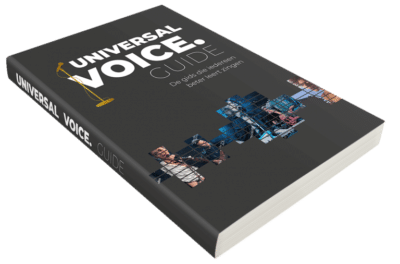
UNIVERSAL VOICE. PORTAL
Welcome to the page about our Universal Voice Portal.
To make singing and voice training even better, simpler and easier, we have developed a portal and a web app. On this portal, all exercises from the Universal Voice Guide are arranged super clearly. This way you can find all exercises organized by chapter, for example by sound characteristics or voice qualities. The easiest and most efficient way to train your voice has now become even better.
The portal is suitable for everyone, from amateur to professional. A video on the main page explains how you can get started.
You can study super easily because the text of the exercise explains what you’re training and which key you should choose. There are sung audio examples included, but also practice tracks without sung examples. We always start with a key that is suitable for everyone, but different for male and female voices. After that, you have the opportunity to choose a different key that challenges you even more.
For a student, our portal with the app is ideal because:
- You can independently navigate through the portal and make your own choices
- The exercises are simple to understand: which vowels, which key, which volume, which other sound characteristics are you training?
- You don’t have to think about the ideal didactic structure – we have done that
- You can challenge yourself by choosing a different key
- You can also choose songs that you enjoy singing
- The Universal Voice System is understandable for everyone
For a teacher, our portal with the app is ideal because:
- As a teacher, you can choose those exercises with the scope that you find important and ideal for your student
- All exercises have a didactic structure where you as a teacher can add accents and comments.
- There is an index with exercises so you can choose the vowels, onsets, keys that are ideal for your student.
- You can forward all exercises to your student’s web app so they train exactly the same exercises as in the lesson, wherever the student is.
- You can add new exercises to the previous lesson each time, but also create a lesson with a new goal using new exercises.
How does the portal work?
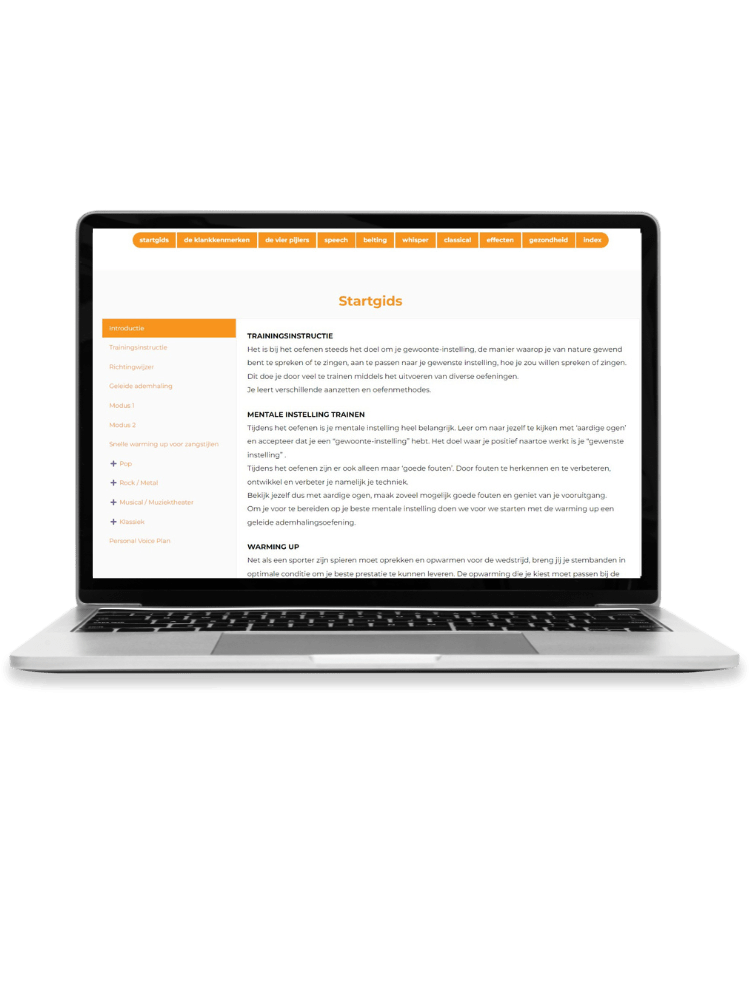
You can choose from various chapters such as the Start Guide, which explains how you can practice and also which exercises belong to which style. Here onsets and SOVTEs are explained. You can train your mindset and there are several warm-ups for various styles. Other chapters are Sound Characteristics, The 4 Pillars with exercises for your posture, your breath, your vocal folds and your resonance space. Then you’ll find the four chapters on voice qualities Speech, Belting, Whisper and Legit/Classical, a chapter on Effects is also included as well as a chapter with exercises on Health. Here you learn how to restore your voice if you have voice problems.
The Universal Voice web app is our tool to take the exercises that are important to you on your mobile phone, tablet or laptop.
The exercises that you find important on our portal to train can now be saved on the web app. If you are a teacher and you have chosen a number of exercises during the lesson, you save them and easily send them to your student. If you adjust something in that lesson plan, or add notes, this will automatically be visible to your student in the app as well. This way you always have your exercises together in the order you want. So you can easily study anywhere and don’t have to scroll through all exercises to get to the right one.
For teachers there is also a note screen where you can give specific instructions that are important for your student. As a teacher, you know for sure what you have shared. The student can see exactly what is important to train while practicing and can always read it again when in doubt.

The web app
In the web app you can put all exercises from the portal into a Voice Plan (lesson plan). You create a Voice Plan, click on the orange plus sign to add an exercise. Now a search function appears. Want to do an exercise with Lax Vox®? Then type in Lax Vox, and all exercises with Lax Vox® will come up. Then you click on the exercise you like and it is added to your Voice Plan in the app. You can then add instructions that are important for the student. For example, which key that student should start with, or which vowel is ideal to start on, tips about breath, posture etc. In short, in addition to the prescribed text from the Universal Voice Guide, you can add your own instructions to make it even more personal for the student.
Then add more exercises and create the ideal lesson for your students. By adding a song, you create the ideal training playlist with which you train your voice every day, with just 1 click of a button!
With our portal with more than 1,500 exercises and our web app, we can train your voice to the highest level. Voice training is now even more optimal and efficient.
Once you start working this way, as a teacher with your students, or yourself as a singer, you will see growth every week, because studying becomes so much fun! In addition, thanks to the excellent didactic structure, everyone will sing better.
Try now 2 weeks free!
Try now 2 weeks free!
To try out the portal, you get the first two weeks as a gift from us. You pay €0.01 for this today. You can cancel within two weeks or continue using our portal for the chosen subscription amount. The subscription fee will only be charged after two weeks.
Subscribe now so you can always use the Universal Voice Training Portal!